Learn · Compression
How to use a glue compressor on a drum bus
A kick, a snare and a set of hats are three separate sounds until something makes them react to each other. A compressor on the drum group does that. Here is how to set one up, using IMPACT Engine. The same steps work on any bus compressor.
What glue means
On a bus, the compressor turns the loudest moments down for every track in the group at once. When the kick hits hard, the hats and snare dip with it, and when the kick is gone they come back. The group rises and falls together, which is the “glue” people talk about. It is a small effect. If you can clearly hear it working, you have probably gone too far.
1. Put it on the group, not a single track
Route the drums to one group or bus and put the compressor on that. In Logic Pro, click an empty Audio FX slot on the bus. In Ableton Live, drag it onto the group track. If you compress each drum separately, they will not react to each other, and that is the whole point of this.
2. Start from a preset and adjust
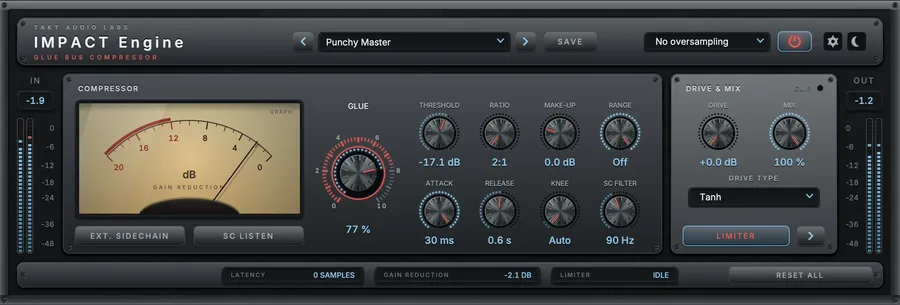
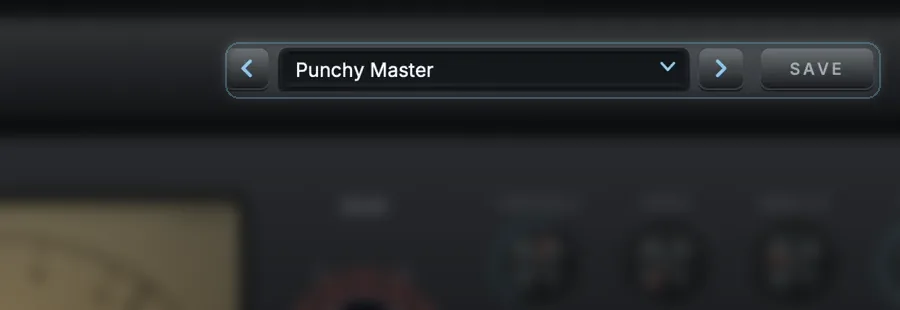
Open the preset menu and choose Drums › Drum Bus Glue. It gives you a starting point to adjust from, so you are not working from a blank panel. The Ratio knob decides how hard the compressor pushes back once the signal is over the threshold, and a low ratio such as 2:1 or 4:1 is a safe place to be for glue.
3. Set the threshold by watching the needle
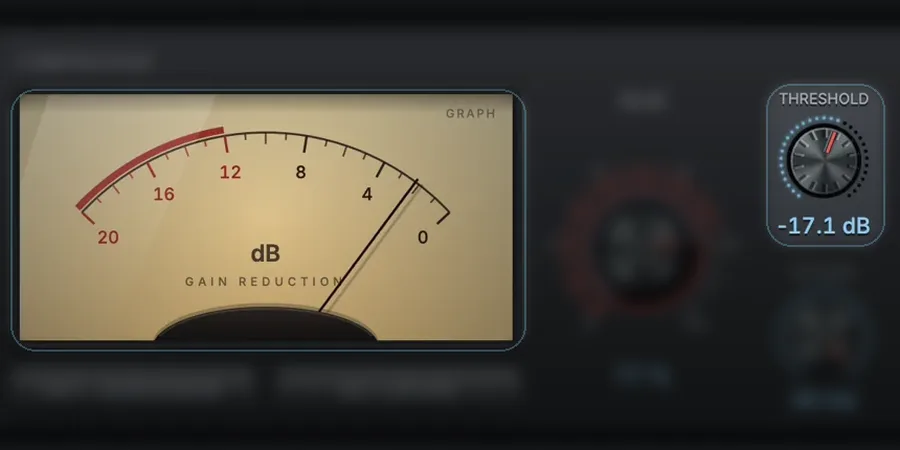
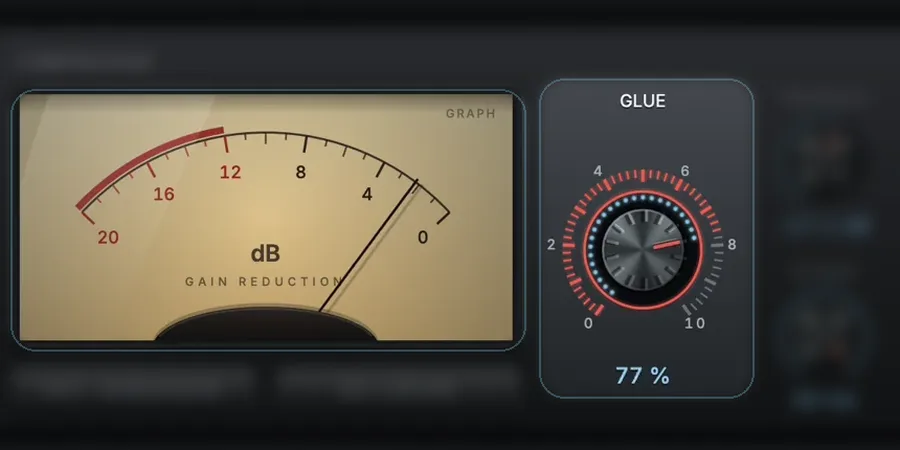
Play the loop and bring the threshold down until the gain reduction meter moves. For glue, aim for about 2 to 4 dB on the loudest hits. In IMPACT Engine the threshold starts at 0, where a normal mix is barely touched, so you will need to turn it down. Past that you are squashing the drums.
4. Choose the attack for the hit you want
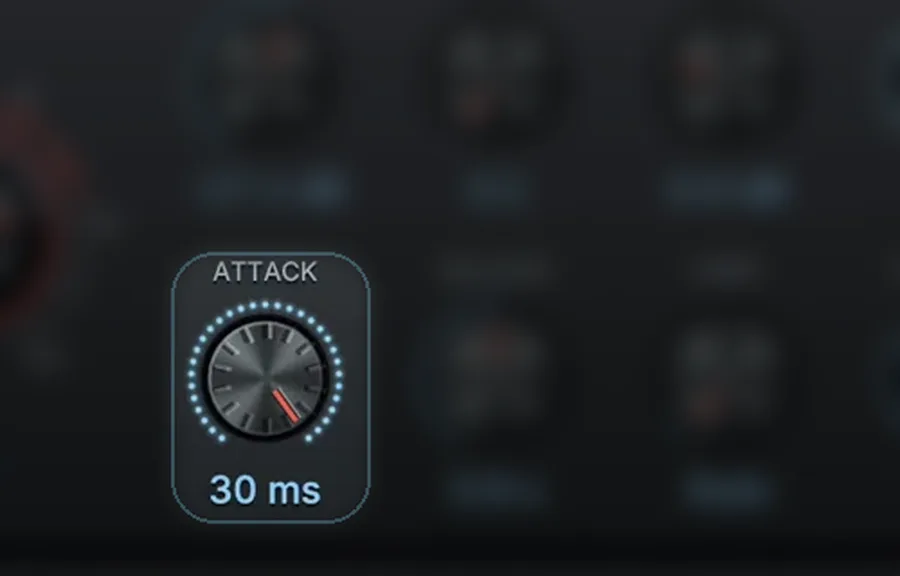
Attack is how fast the compressor grabs. A short attack catches the start of each hit and tightens the sound, and a longer one lets the front of the hit through before the compressor closes. IMPACT Engine’s 10 and 30 ms settings keep drums punchy. If your kick has lost its click, lengthen the attack.
5. Let the release follow the groove
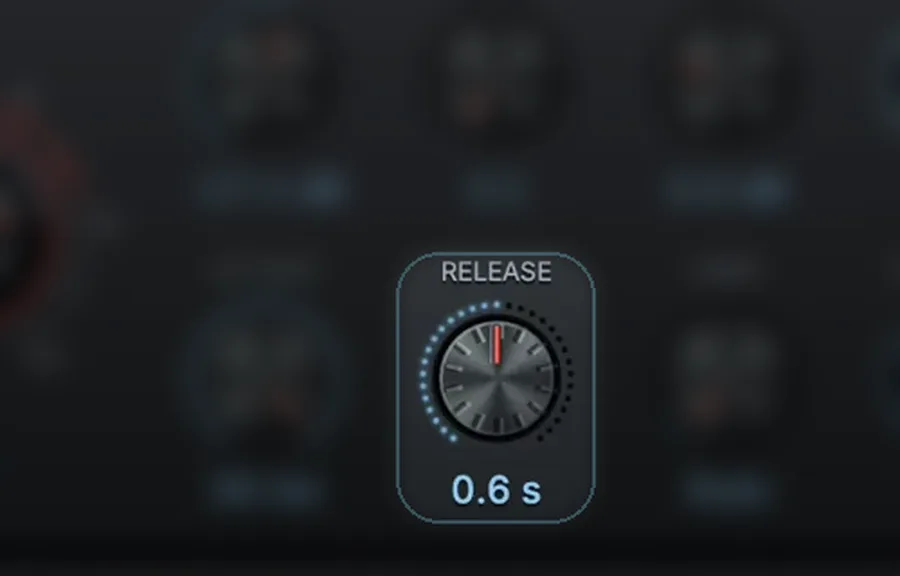
Release is how quickly the compressor lets go after a loud hit. If it lets go too slowly, it is still pressing the sound down when the next hit arrives, and the drums sound dull. If it lets go too fast, you can hear the level jump back up, which sounds like pumping, especially on low notes. Auto is the default in IMPACT Engine and follows the music: it lets go of a single hit in about 100 ms and of longer, sustained compression over about two seconds. Leave it on Auto to start. To set it by hand, choose shorter times until the needle drops back to rest just before the next hit.
6. Turn the Glue knob slowly
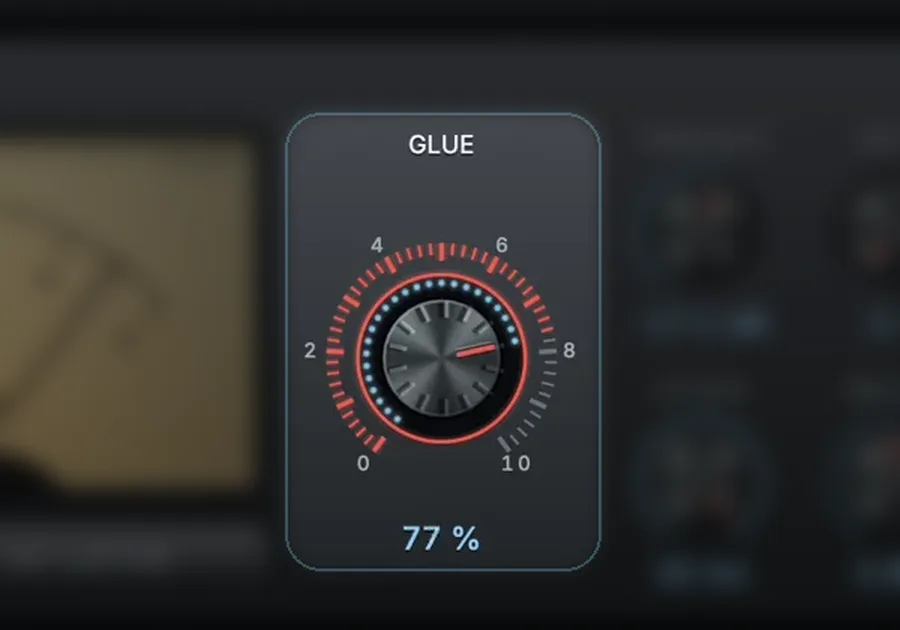
Glue is the knob that sets IMPACT Engine apart from a plain compressor. It runs from 0 to 10. Turn it up and the compressor listens partly to its own output, so it settles into the music and reacts less to individual peaks. On dense material the release stretches, and on spiky material such as drums it shortens. The ratio stays exactly where you set it. At 0 it is a plain console-style compressor, so you can hear what the knob adds by moving it from 0 towards 10 while the loop plays.
7. Stop the kick pumping the whole bus
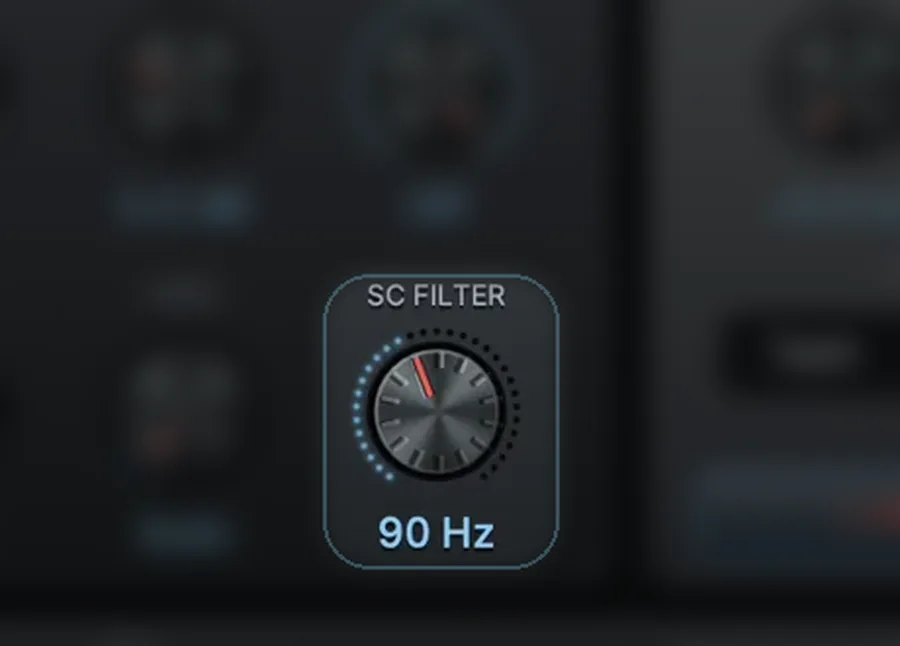
A heavy kick can make the whole group duck every time it lands. The SC Filter fixes this. It cuts the low frequencies in the signal the compressor listens to, so the kick triggers less compression. It does not change what you hear. In IMPACT Engine it runs from 21 to 500 Hz. Raise it until the ducking calms down. Turn on SC Listen to hear exactly what the compressor is listening to while you set it, and turn it off again afterwards.
8. Match the loudness before you judge it
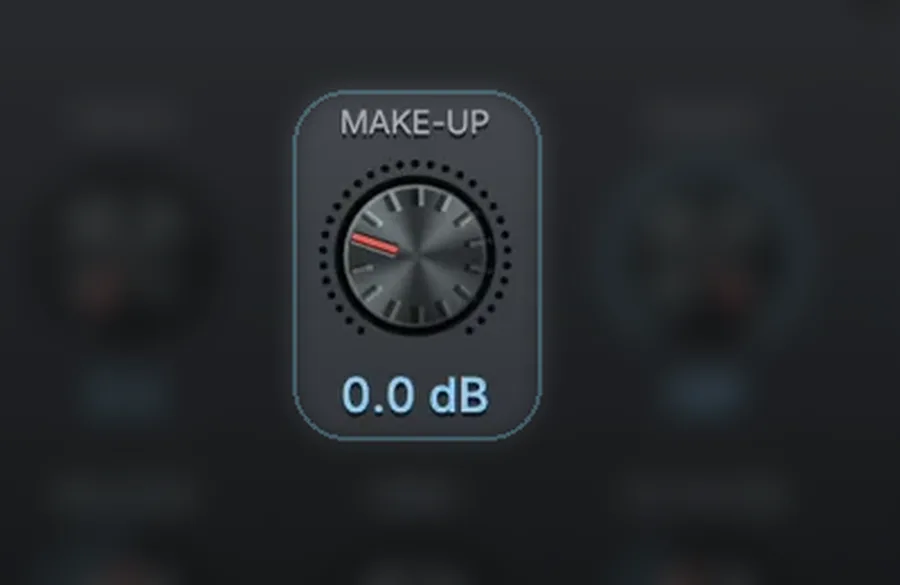
A louder drum bus nearly always sounds better, which tells you nothing. Use make-up gain to bring the level back to where it was, then click the power switch to compare the bus with and without the compressor. Judge the feel at equal volume.
9. Blend it with the dry signal, if you want more punch
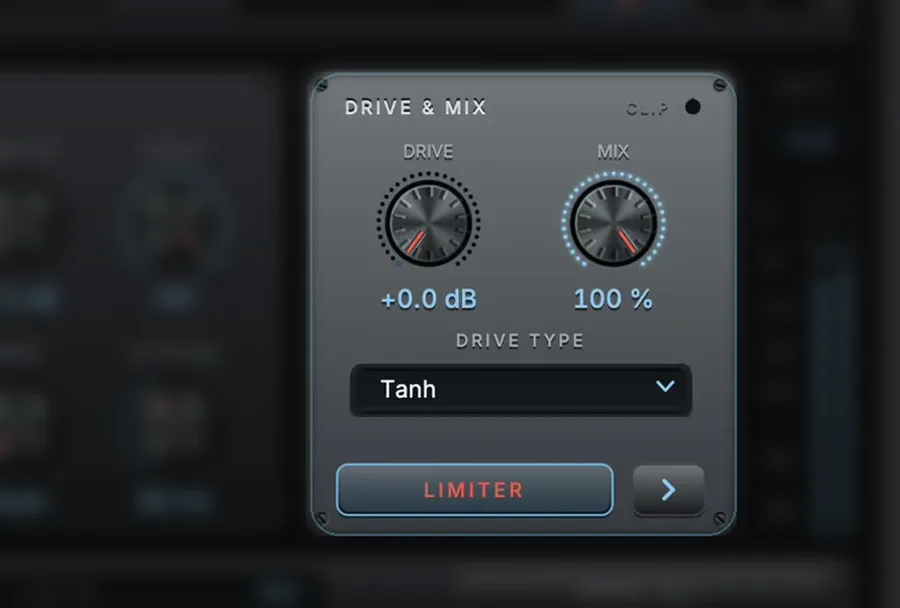
Strong compression can flatten drums. Mix lets you blend the original signal back in with the compressed one, which is called parallel compression. At 100 % you hear only the compressed sound. Compress harder than you normally would, then turn Mix down until the drums keep their weight and still sound alive.
Hear it
The IMPACT Engine page has drum bus and live drum recordings with the compressor off and on, matched to within 0.1 LU, so the only difference you hear is the compression.
The video link opens YouTube in a new tab. Nothing from YouTube loads here.